
1 thing needs your nod · the rest is handled
A chief of staff you never have to open.
Rings, pendants, cards and badges you wear, plus a couple of things for your desk and your home. Tap one, say what you need, and the right AI agent handles it. It remembers the people you meet, too. Nothing goes out until you nod.
The problem
You have five AIs. You still do it all yourself.
There's one in your glasses, one on your phone and a couple at work. Each one lives in its own app, none of them can see your messages, and you're the one copying things between them at dinner. Then you forget half of what you promised anyway.
 WhatsAppreply to Marcus
Calendarmove my 3pm
You promisedsend Priya the deck
Laterbook somewhere Sunday
What we believe
The best assistant is the one that asks before it acts.
Meet Margo
The one you talk to.
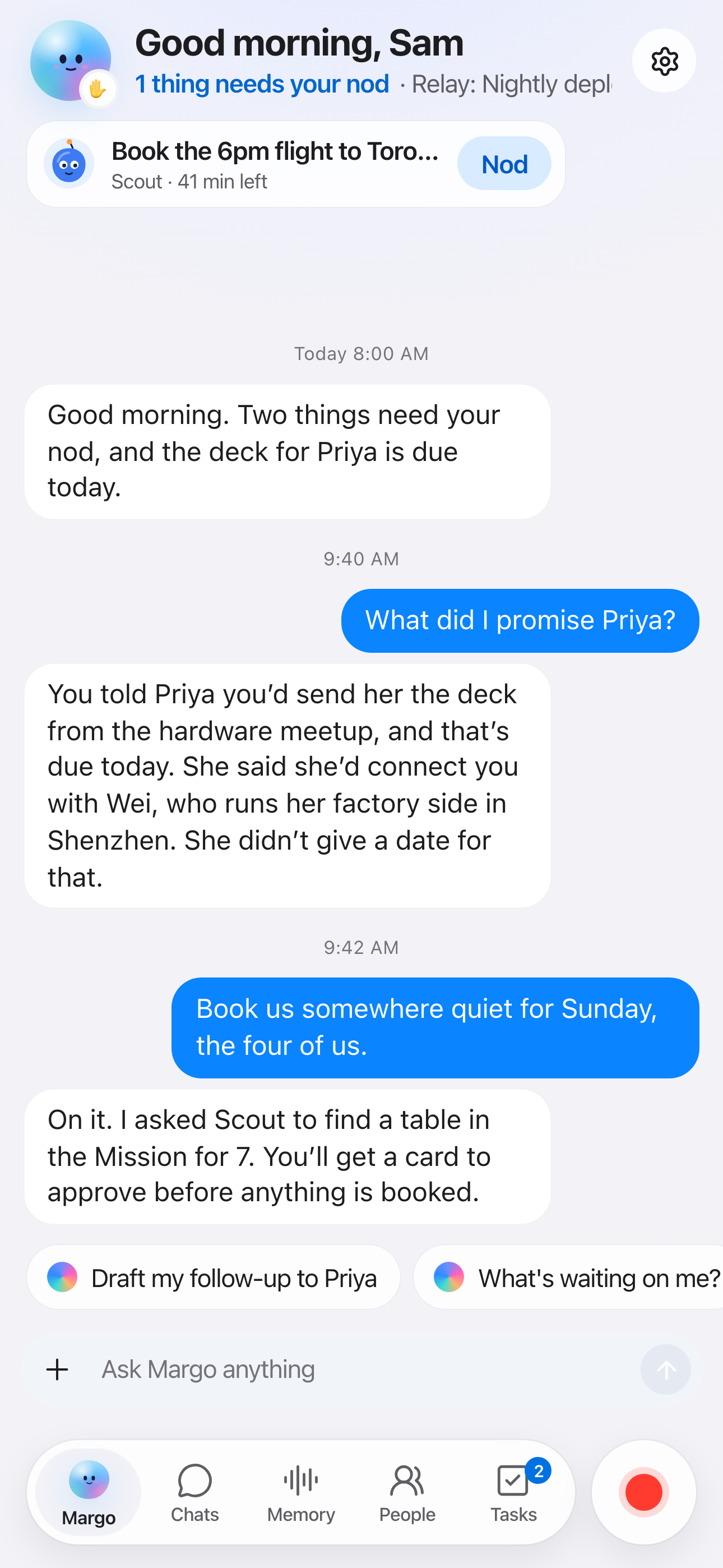
Margo is your chief of staff. You tell her what you need, by typing, talking or tapping your ring. She remembers who said what, hands the busywork to the right agent, and checks with you before anything goes out. You pick how she looks and how she talks.
What did I promise Priya?
She knows, because she was at dinner too.
Book us somewhere Sunday.
She asks Scout, then brings you the card to approve.
Every morning, one note: what's waiting on you, and nothing more.
How it works
Say it, check it, and it's done.
-
Tap and talk
Say what you need, out loud.
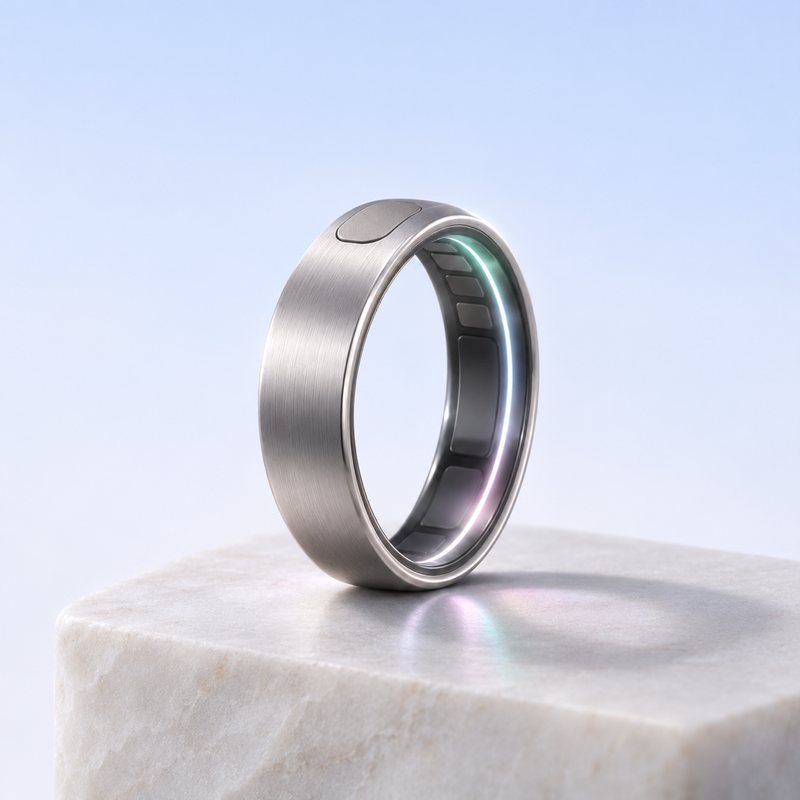
Press the ring, the pendant or the puck on your desk. "Reply to Marcus." "Move the 3pm." "Find us a table Sunday." Margo works out which agent should take it, and you never open an app.
App in private betaRing in development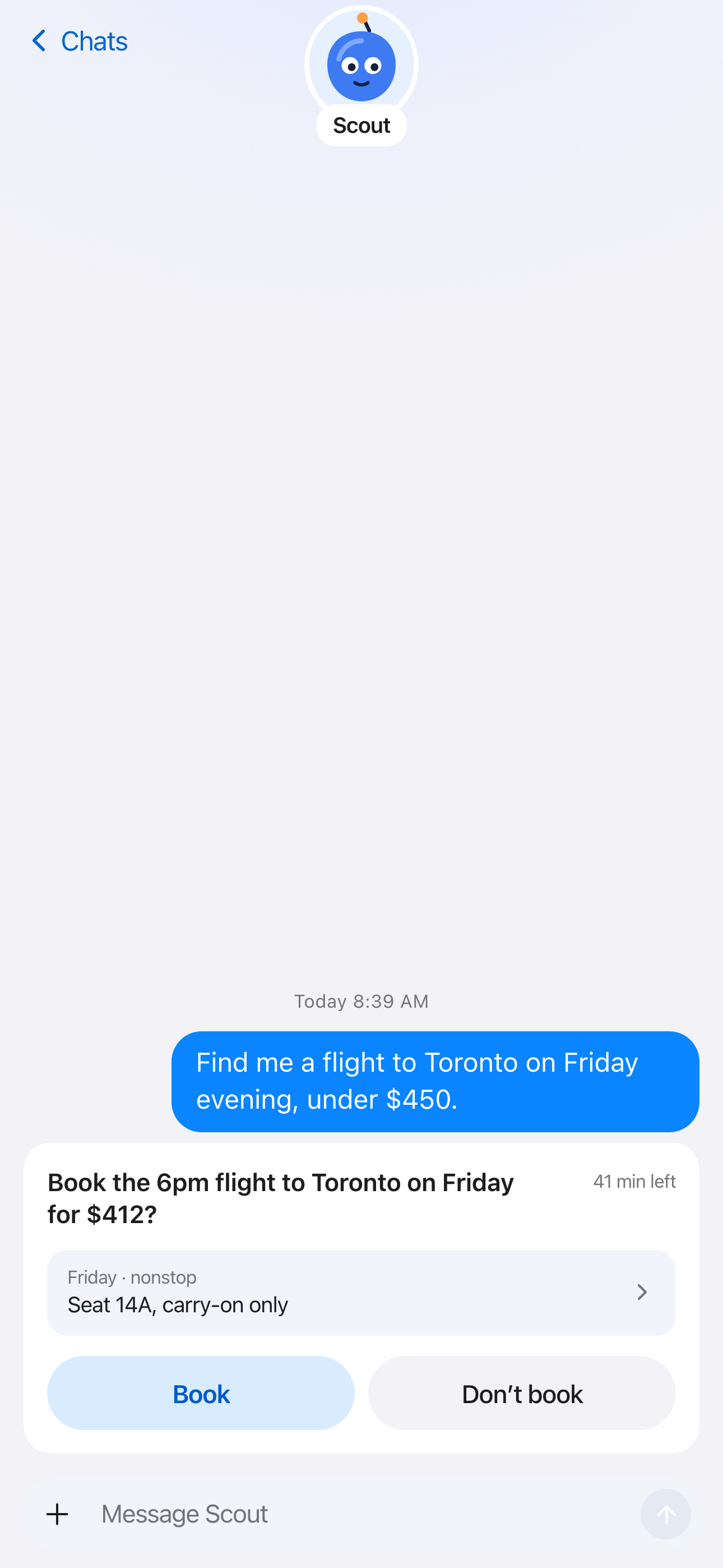
-
The nod
Nothing goes out until you say so.
Every message, booking and payment waits for you. Tap once to approve, twice to hold. Before anything is sent, Margo checks it's the exact text you approved.
Approvals live in the app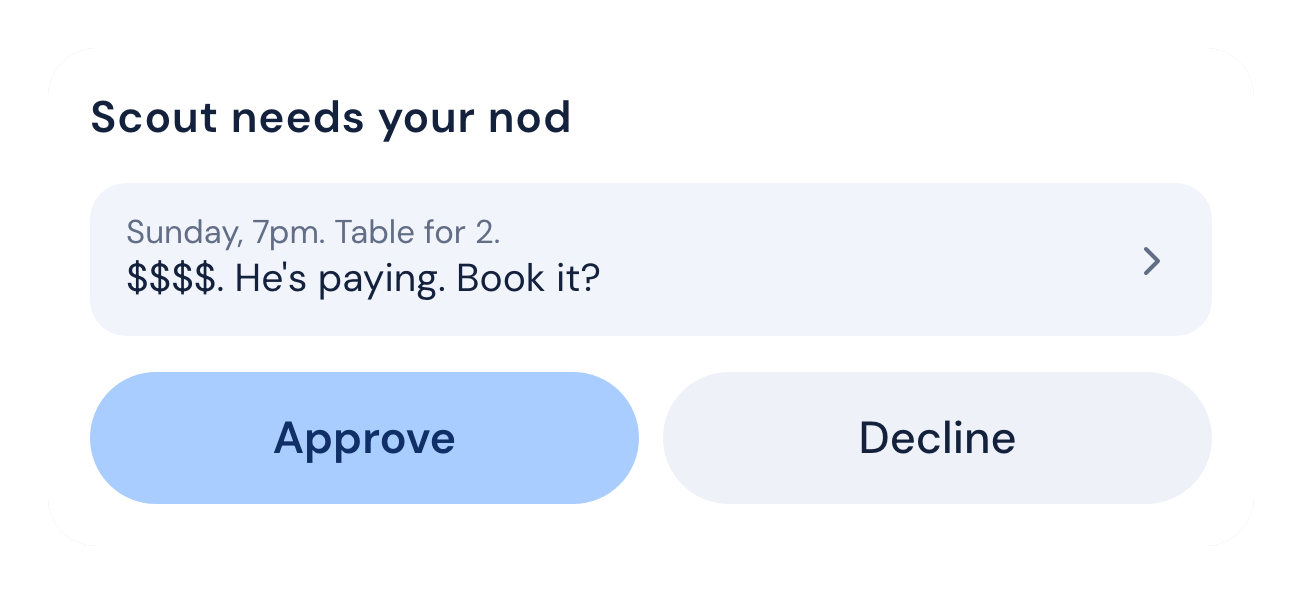
 Listening Needs you Done
-
One inbox
Every chat and every agent, in one list.
WhatsApp, Instagram, Slack, LinkedIn and iMessage, with your agents sitting right there next to the people. Ours do research, bookings and drafts. Agents from other companies can join through our open agent protocol.
Inbox live in the appAgent protocol in preview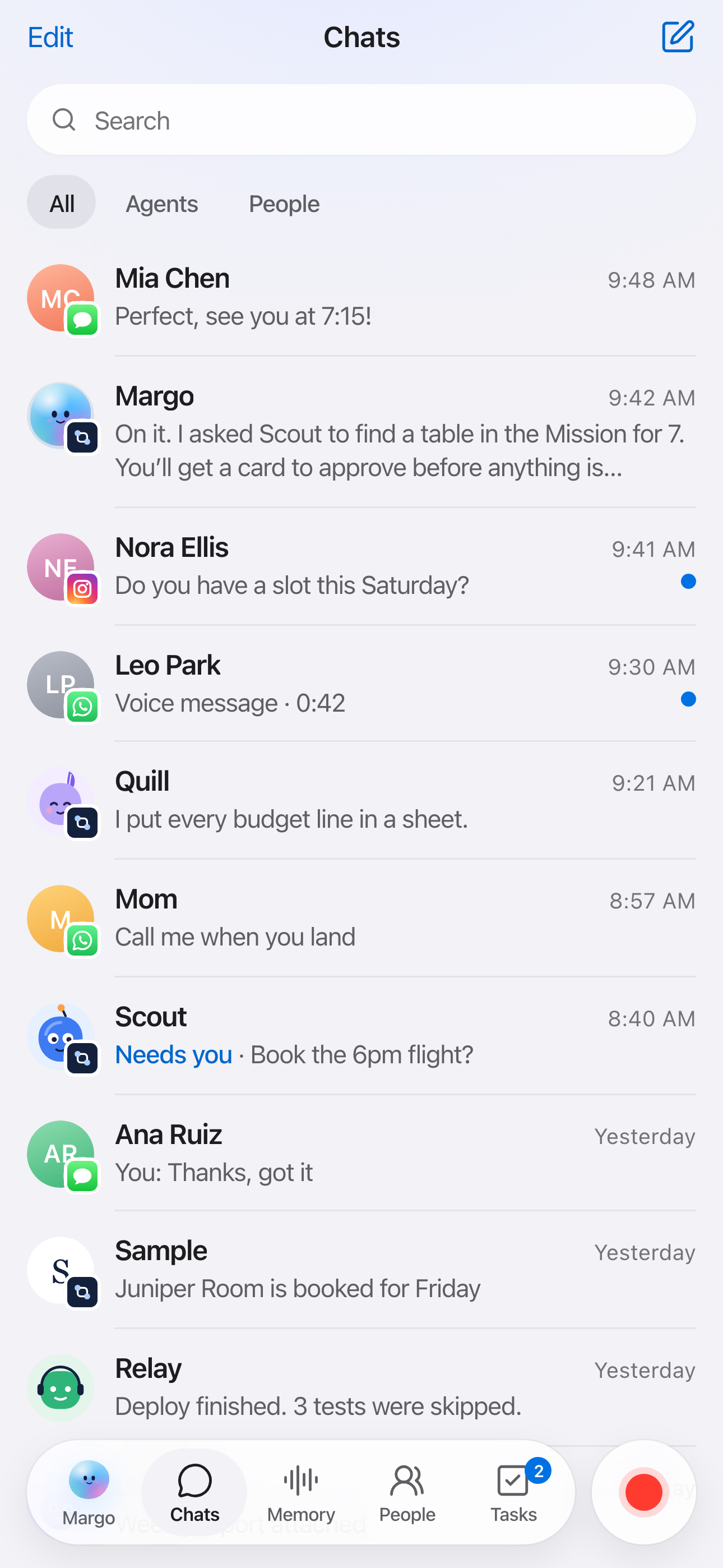
-
Remember people
It remembers who you met, so you don't have to.
Tap your ring to someone's phone and you've swapped numbers, Instagram and LinkedIn in one go. Press it during a conversation and Margo keeps who said what, where you met and what you promised. Then it suggests the intro, reminds you about the deck and drafts the follow-up before you've left dinner.
Tap to swap in developmentPeople memory in developmentPriya ShahMet Nov 2 at a Tech Week dinner, via ring- Works on
- Agent infrastructure, hiring two engineers
- You said
- "I'll send you our deck tomorrow."
- Intro
- Kyle is hiring for the same role
Follow-up drafted, waiting for your nodSo good meeting you last night. Here's the deck, and I think you and Kyle should talk.
The devices
Wear it, or leave it on your desk.
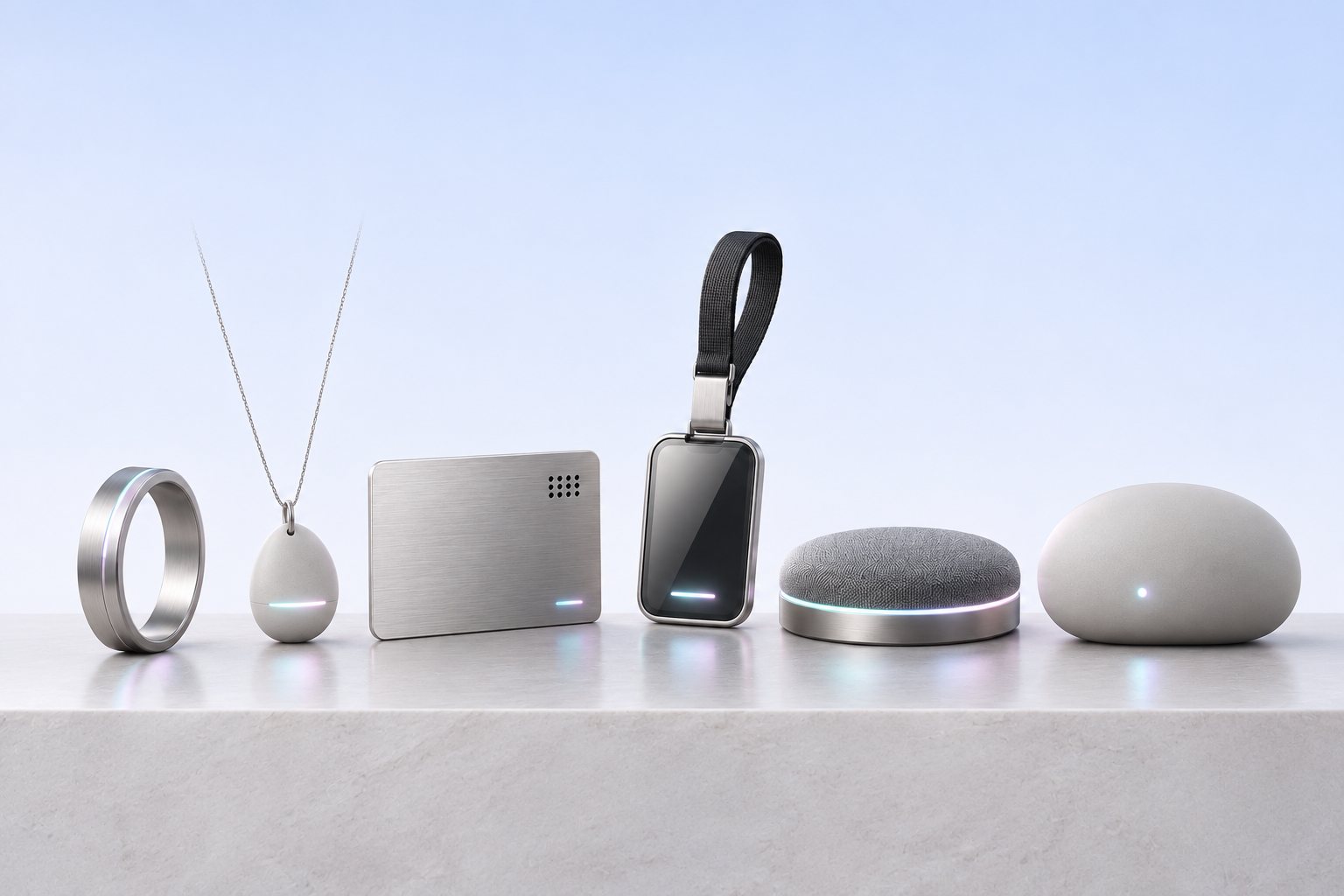
Every Margo device does the same two things. It listens when you ask, and it lets you give the nod. Pick whichever fits your day, and they all pair with the same app.
On you
Ring In development
The quietest way to hand something off. Tap and talk from anywhere, or tap a phone to swap contacts.
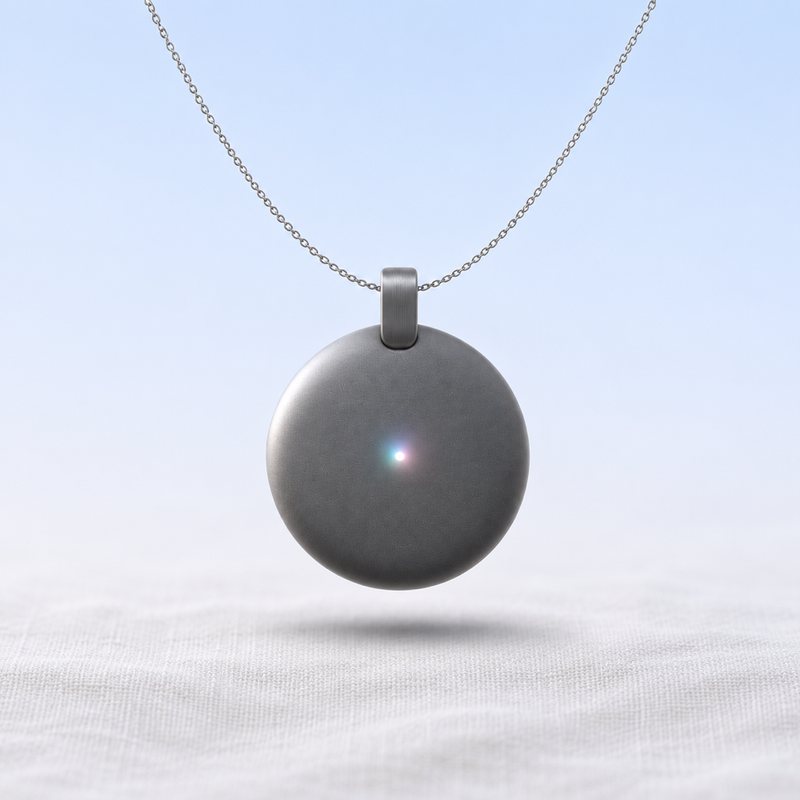
Pendant In development
Hands-free, for the walk between meetings.
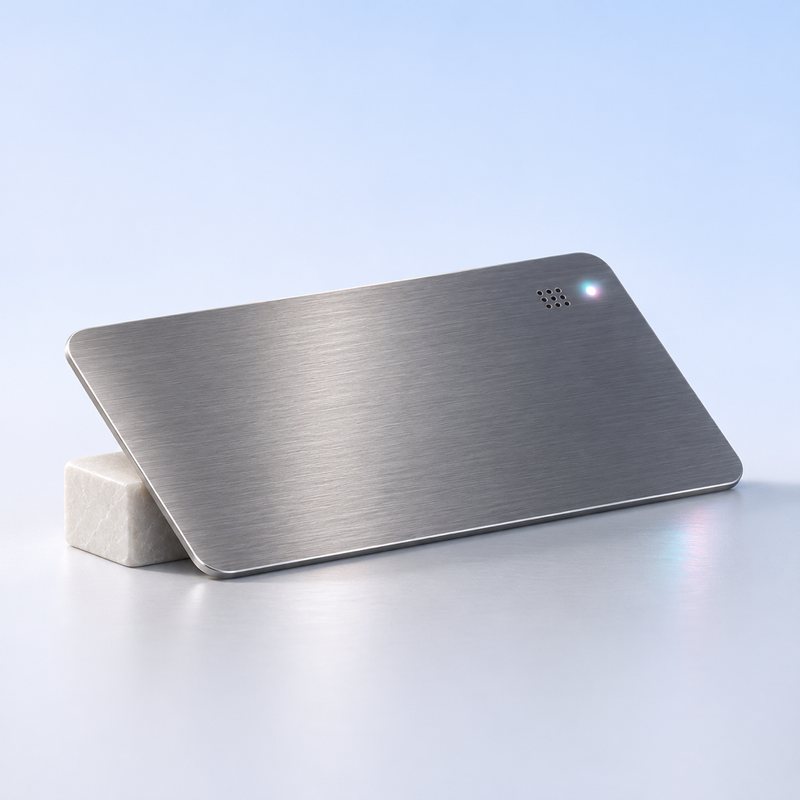
Card In development
Wallet-thin. It records the meeting, then drafts your follow-ups.
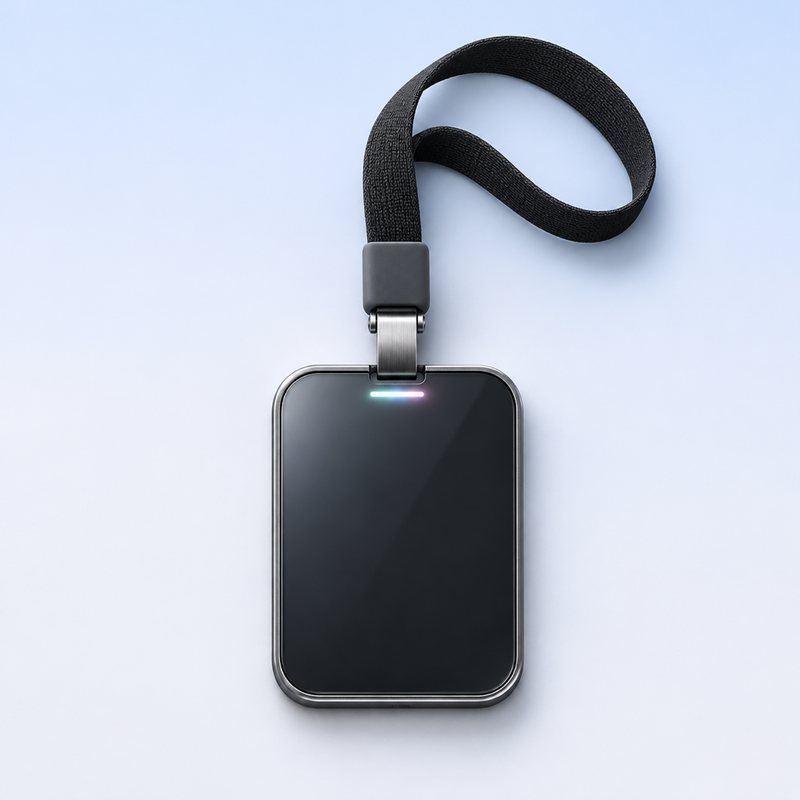
Badge In development
For teams and events. Your work badge, with your agents on it.
At your desk and at home
Desk In development
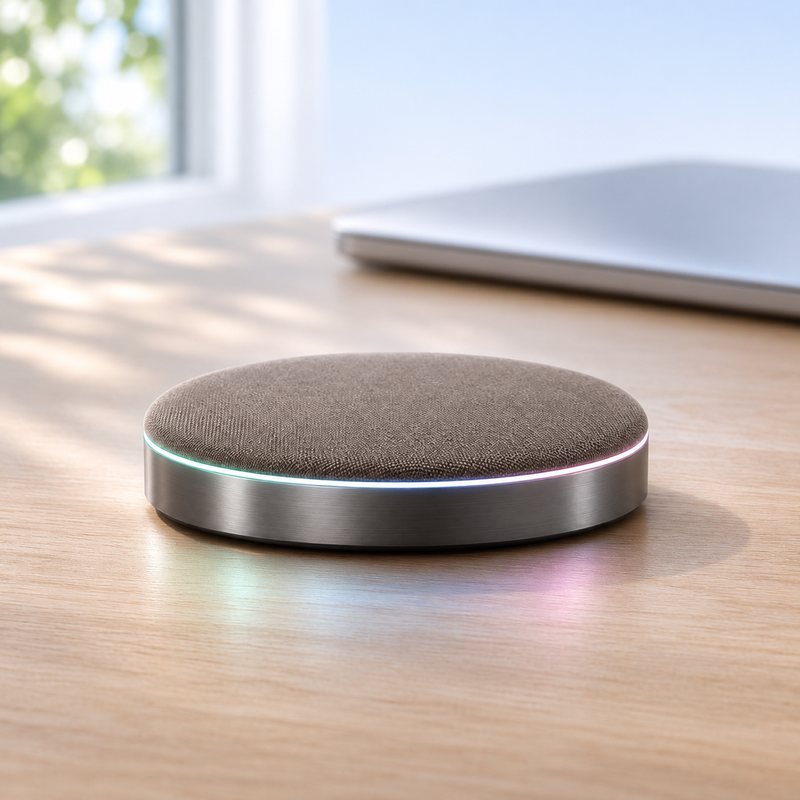
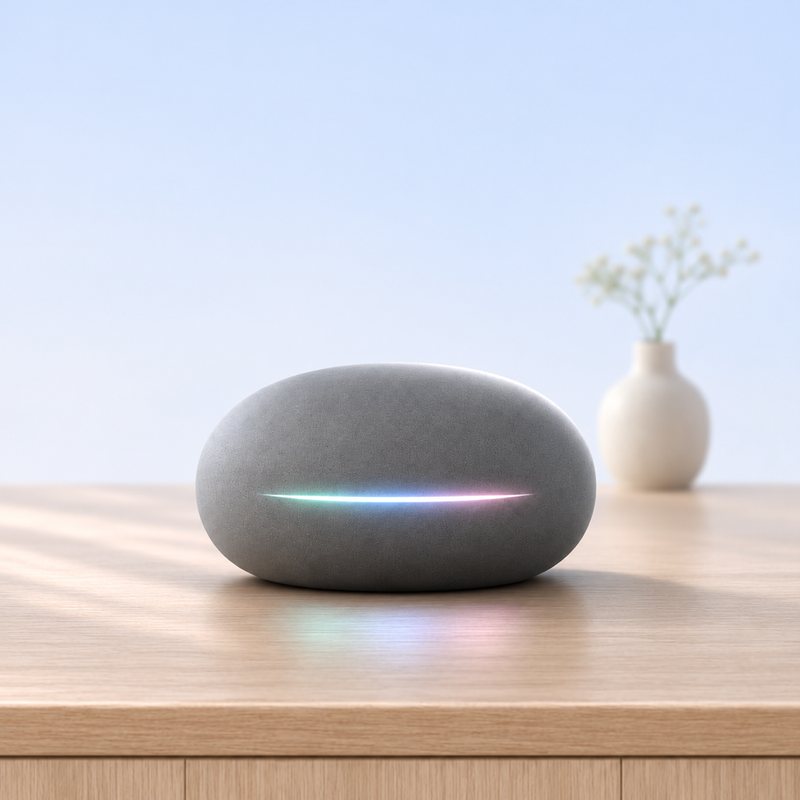
A puck for your desk. Ask out loud while you keep typing.
Home In development
For the kitchen or the nightstand. Catch up on your day without picking up your phone.
Renders. Final hardware may look different.
Privacy
Yours, on your terms.
- Agents see a chat only when you share it. Handing a thread to an agent is your call, with a consent sheet the first time.
- Everything waits for your nod. An agent can draft a message, a booking or a payment. It goes out only after you approve it.
- A device starts things. You finish them. Whatever you ask from your ring, pendant, card, badge or desk still waits for you in the app.
- Swapping contacts takes two people. When you tap to swap, the other person sees what you're sharing and agrees before anything changes hands.
Questions
Good questions.
Do I need a device to use Margo?
No. The web and Mac apps work today without one, by invite. The devices make it hands-free, so you can hand things off without getting your phone out.
Which agents work with it?
Ours work today: Scout for research and bookings, Quill for drafts and summaries, and Operator for voice. Agents from other companies can connect through our open agent protocol, which is in preview.
Does the other person need Margo to swap contacts?
No. They tap, see what you're sharing and say yes on their own phone. Tap to swap is in development.
Is there an iPhone or Android app?
The web app works in your phone's browser now. Native iPhone and Android apps are in development, along with the devices.
Will it ever send something without asking?
No. Every message, booking and payment waits for your nod, and Margo checks the exact text you approved before it goes out.
When can I get one?
We're building the first devices now. Join the waitlist and you'll hear from us first.
Put your phone down.
Join the waitlist for the first Margo devices.
One email when it's your turn. Nothing else, and no sharing.